Invite people to your program
Things to keep in mind#
- If you add someone to a program and they don't have an account yet, they'll receive an email with instructions to create one.
- Users will only have access to programs they're added to, not an entire organization.
Add people to your program#
- Open the program you'd like to add someone to.
- Click User Management in the top right dropdown.
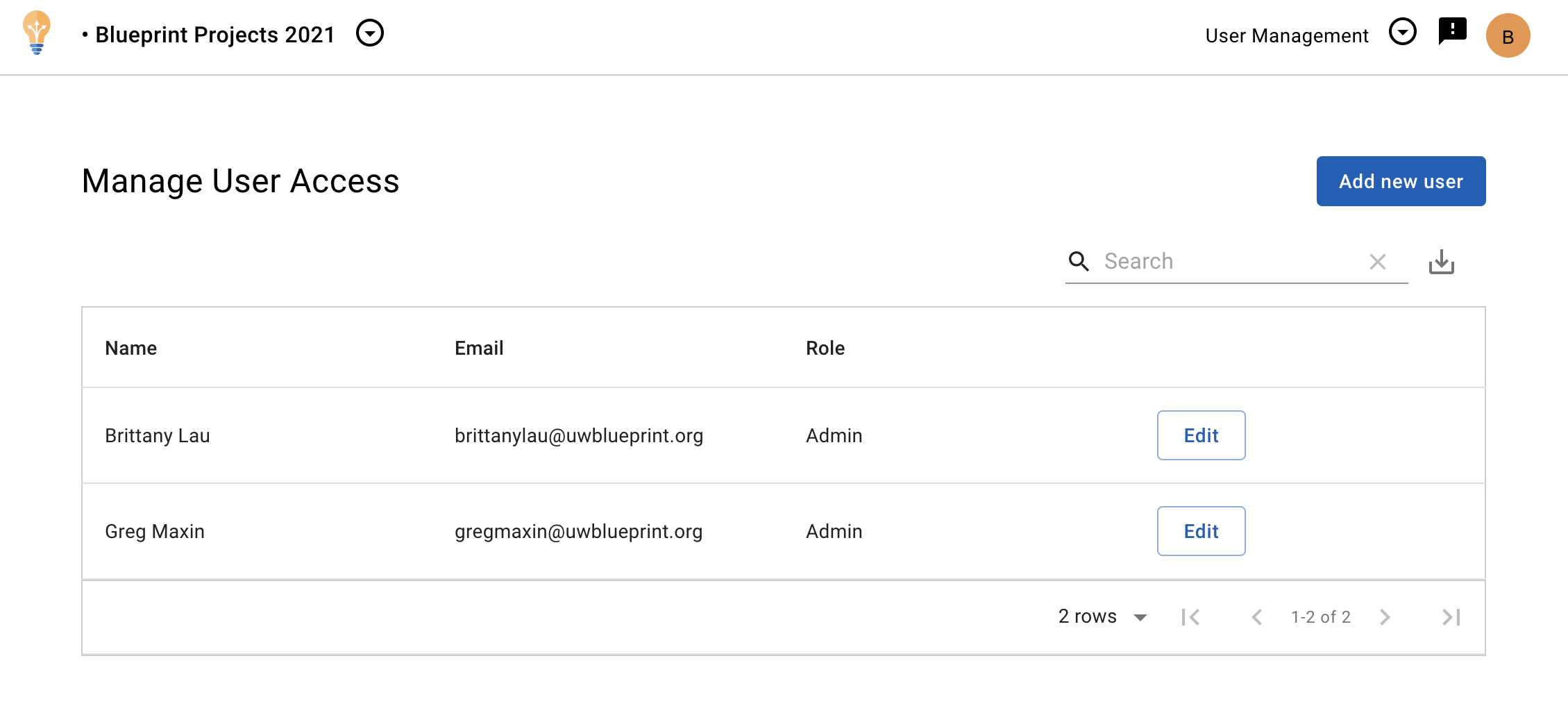
- Click the Add new user button in the top right.
- Enter the email of the person you'd like to add, and select their role.
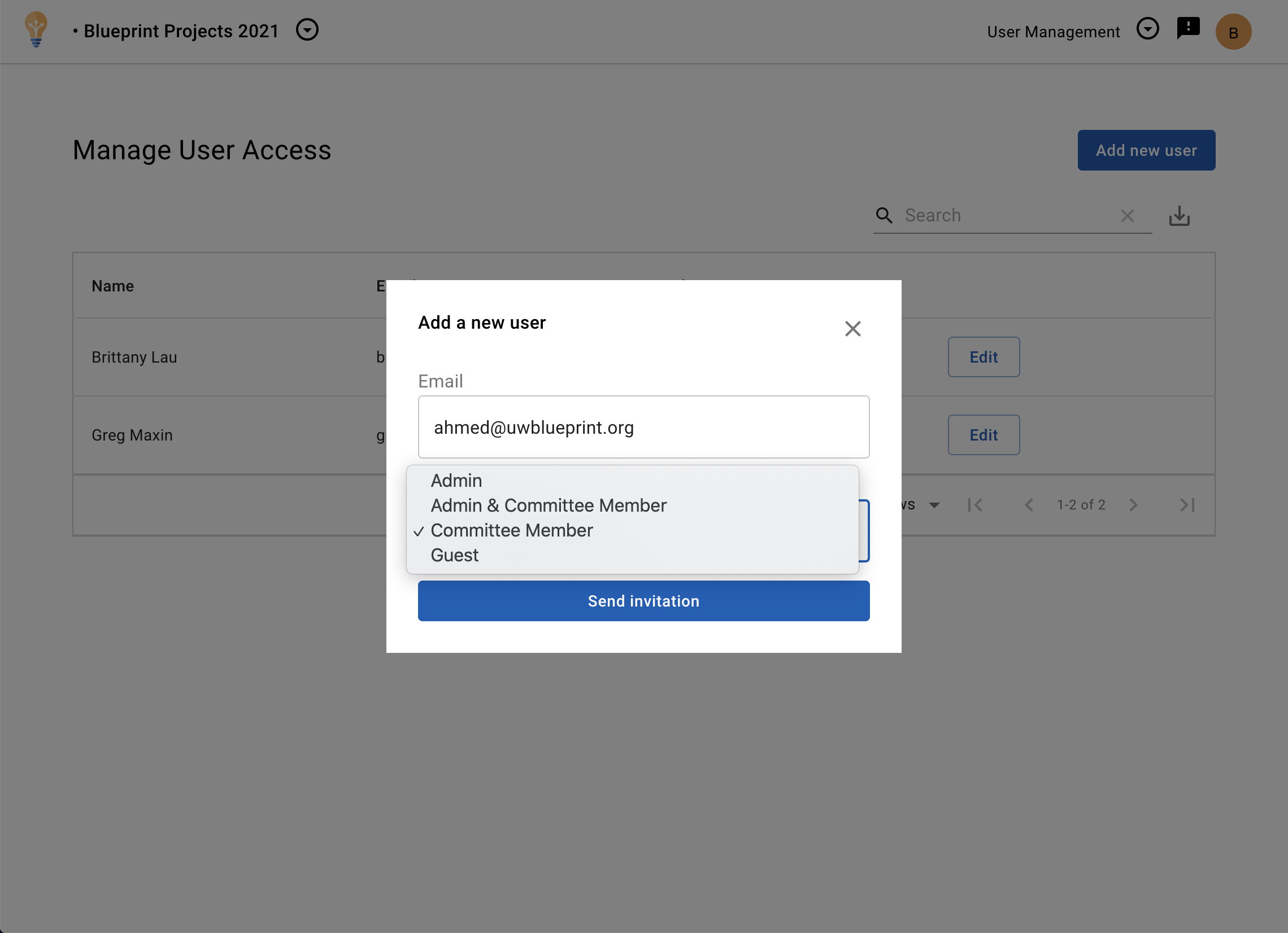
- Click Send invitation.